
In the digital age, user experience (UX) and user interface (UI) design have become essential for creating websites, apps, and digital platforms that not only look good but also feel intuitive. While UI focuses on the look and feel, UX ensures that users can navigate your product effortlessly. Together with prototyping, designers can bring ideas to life, test concepts, and refine experiences before launching a product.
Understanding UI/UX Design
UI (User Interface) design is about creating visually appealing and interactive interfaces. It includes color schemes, typography, buttons, icons, layout, and visual hierarchy. A well-designed UI attracts users and communicates your brand’s personality effectively.
UX (User Experience) design, on the other hand, focuses on how a user interacts with the product. UX designers research user behavior, map journeys, and streamline interactions to make the digital experience smooth, intuitive, and enjoyable.
A strong UI without UX can look beautiful but feel frustrating. Conversely, great UX with poor UI may be functional but visually unappealing. Balancing UI and UX is key to building a successful digital product.
The Role of Prototyping
Prototyping is the process of creating interactive mockups of a product before full-scale development. It allows designers to test features, layouts, and user flows without investing heavily in coding. Prototypes range from low-fidelity wireframes to high-fidelity interactive models, helping teams visualize the end product and gather feedback early.
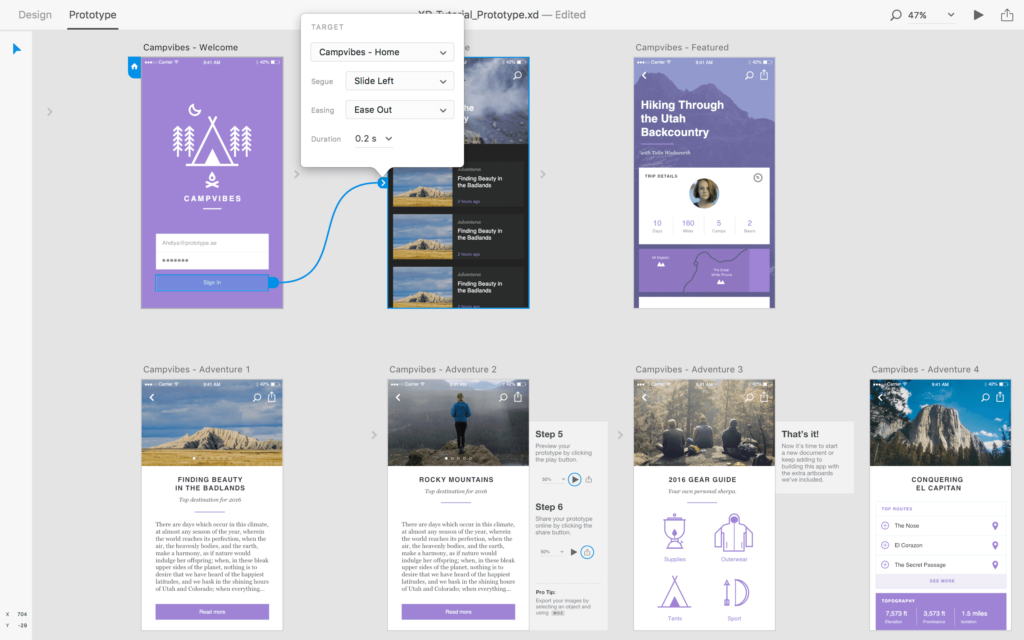
With prototyping, you can:
- Detect usability issues early
- Validate design decisions with real users
- Save time and reduce development costs
- Collaborate more effectively with stakeholders
Essential Tools for UI/UX & Prototyping
Modern designers rely on a variety of tools to streamline their workflow:
- Figma – Collaborative design & prototyping tool
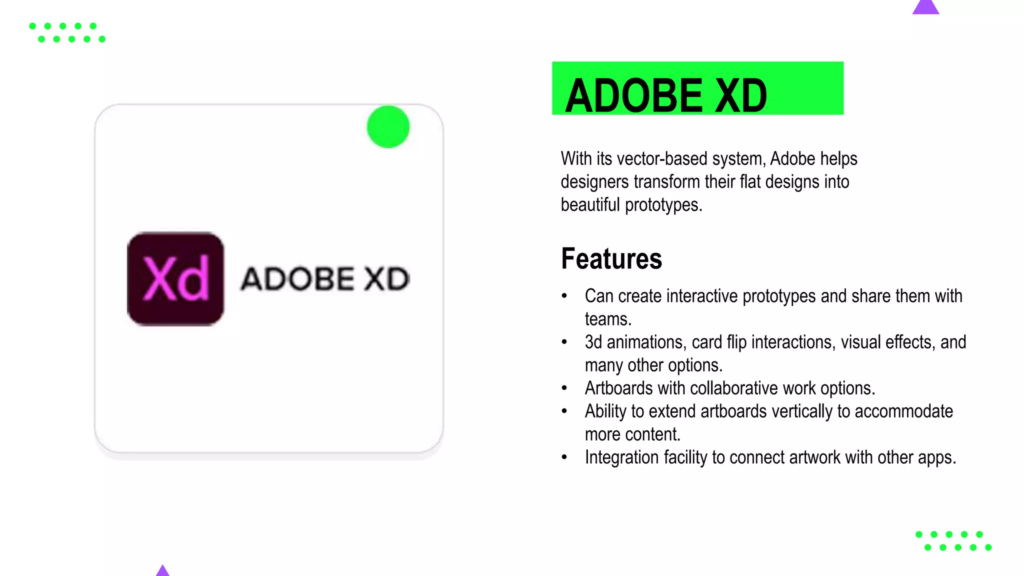
- Adobe XD – UI/UX design with interactive prototypes
- Sketch – Popular for macOS design and vector graphics
- InVision – Build interactive prototypes and gather feedback
- Marvel App – Simple prototyping and testing platform
These tools enable designers to create, test, iterate, and share designs efficiently, reducing errors and improving user satisfaction.
Best Practices for UI/UX & Prototyping
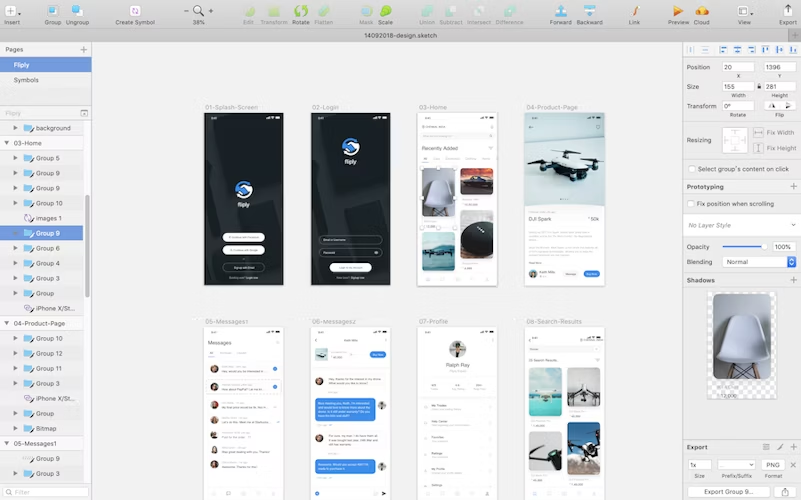
To build better digital experiences, follow these principles:
- User-Centered Design: Always design with the target audience in mind
- Consistency: Keep layouts, colors, and typography consistent across screens
- Accessibility: Ensure products are usable for people with disabilities
- Feedback Loops: Prototype, test, and iterate based on real user feedback
- Simplicity: Avoid clutter and keep navigation intuitive
- Responsive Design: Adapt interfaces to different screen sizes and devices
These practices ensure your design is functional, inclusive, and delightful.
Benefits of UI/UX & Prototyping
Investing in UI/UX and prototyping has a direct impact on business success:
- Higher user engagement and retention
- Reduced development costs by catching errors early
- Better conversion rates with clear user journeys
- Improved brand perception through polished and professional interfaces
In today’s competitive market, products that combine great design with seamless functionality are more likely to succeed.
UI/UX & Prototyping key features
● User Research & Analysis Tools
UI/UX tools provide built‑in features for gathering user insights. Designers can create surveys, record user sessions, analyze click behavior, and collect feedback. These tools help teams understand what users need and expect, which is the foundation for intuitive design.
● Wireframing & Layout Design
Before adding visuals, designers map the structure using wireframes. UI/UX tools let you sketch layout ideas rapidly, arrange components, and focus on hierarchy and functionality. Wireframes help teams visualize navigation, screen flow, and content placement before final design.
● Visual UI Design & Component Libraries
Modern tools include powerful visual editors where you can build screens with reusable components such as buttons, input fields, cards, icons, and menus. Designers can maintain consistency across screens using shared libraries of colors, typography styles, and elements.
● Interactive Prototyping
Prototyping features let designers turn static layouts into clickable, interactive models that simulate the end product experience. You can link screens, add transitions, animations, and micro‑interactions so stakeholders can test flows without any coding.
● Collaborative Real‑Time Editing
Leading UI/UX tools support real‑time collaboration, allowing multiple team members to work together simultaneously. Designers, developers, product managers and clients can view changes live, add comments, and resolve feedback without version conflicts.
● Design Systems & Shared Libraries
UI/UX platforms allow creation of design systems — consistent sets of UI components, styles, and guidelines shared across teams. This ensures uniform design quality, accelerates scaling, and reduces duplication of effort across large projects.
● Responsive & Adaptive Layout Controls
Tools offer layout settings that adjust UI designs for various screen sizes — desktop, tablet, and mobile. Designers can create responsive layouts that adapt automatically to different devices, ensuring seamless user experiences everywhere.
● Animation & Micro‑Interaction Support
Prototyping features include physics‑based animation and interaction triggers like hover, tap, drag, or swipe. These subtle details help define how elements behave in real use, improving usability and delighting users with smooth, meaningful motion.
● Developer Handoff & Specs Export
When the design is ready, UI/UX tools generate developer‑friendly assets like style guides, CSS snippets, measurements, and exportable components. This makes handoff efficient and reduces implementation errors — developers see exactly what they need to build.
● Feedback, Review & Commenting System
Built‑in commenting and review workflows allow stakeholders to leave annotations directly on screens. Designers can resolve comments, track changes, and iterate quickly based on feedback without context loss.
● Usability Testing & User Flows
UI/UX platforms let teams create user paths and flow diagrams to visualize how users move through a product. Paired with prototype testing, designers can analyze where users struggle, improve usability, and optimize navigation for better outcomes.
● Version Control & Design History
Design tools keep all iterations stored in version history, allowing designers to revert to earlier versions, compare changes, and manage updates safely. This ensures experimentation without fear of losing prior work
UI/UX and prototyping are the backbone of modern digital design. By focusing on user-centered principles, creating intuitive interfaces, and testing prototypes before development, designers can deliver digital experiences that are visually appealing, functional, and engaging.
Whether you are a startup, a freelancer, or a product team, mastering UI/UX design and prototyping ensures your users stay happy, loyal, and connected to your digital product.
These features combine to make UI/UX & prototyping platforms comprehensive design ecosystems, enabling teams to research users, craft intuitive interfaces, simulate user interaction, collaborate across roles, and deliver high‑quality digital products efficiently and beautifully.
#UIUXDesign #UXDesign #UIDesign #Prototyping #UXResearch #WebDesign #UserExperience #UXUI #DesignThinking #DigitalDesign #UXPrototyping #Carrerbook#Anslation #Wireframing #DesignTools #UXTips #UIUXTools #AppDesign #WebAppDesign #UserInterface #UXStrategy #UXDesigner