
UXPin is an advanced UX-driven design and prototyping platform built to help teams create realistic, functional, and scalable digital experiences. Unlike traditional UI tools that focus mainly on visuals, UXPin emphasizes logic, interaction, and usability, making it a preferred choice for product teams, enterprise designers, and design system–driven organizations.
UXPin allows designers to move beyond static screens and design experiences that behave like real products, bridging the gap between design and development.
Understanding UX-Driven Design
UX-driven design focuses on how a product works, not just how it looks. UXPin supports this approach by enabling designers to define interactions, states, logic, and user flows early in the design process. This results in designs that are more accurate, testable, and development-ready.
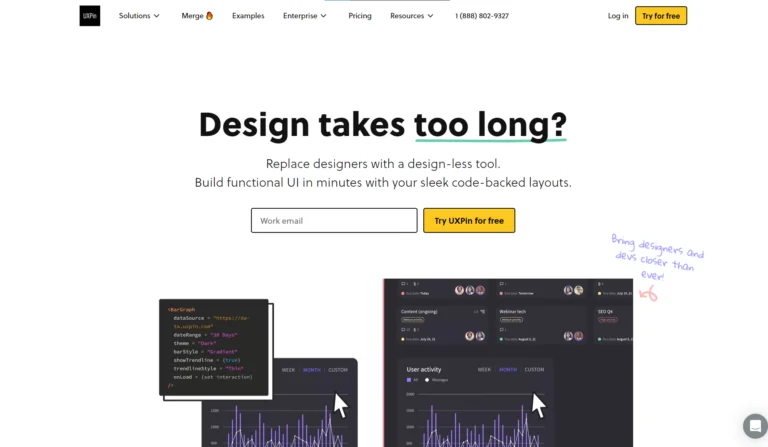
By prioritizing usability and behavior, UXPin helps teams reduce rework, improve user satisfaction, and deliver products that align closely with real user needs.
Design and Prototyping Capabilities
UXPin provides a flexible design environment where teams can create wireframes, high-fidelity interfaces, and interactive prototypes within the same platform. Designers can add advanced interactions such as conditional logic, variables, and dynamic states, allowing prototypes to simulate real application behavior.
This level of interactivity makes UXPin especially valuable for complex products, enterprise dashboards, and multi-step user journeys.
Design Systems and Consistency
One of UXPin’s strongest advantages is its design system management. Teams can create and maintain centralized design systems with reusable components, ensuring visual and functional consistency across products.
UXPin supports component-based design, allowing designers to work with elements that behave like coded components. Updates to a design system automatically reflect across all designs, helping teams scale efficiently and maintain brand standards.
Collaboration and Team Workflow
UXPin is built for cross-functional collaboration. Designers, product managers, and developers can work together in a shared environment, review designs, leave comments, and track feedback in real time.
This collaborative workflow reduces communication gaps, speeds up decision-making, and ensures everyone stays aligned throughout the product lifecycle.
User Testing and Validation
UXPin enables teams to conduct realistic user testing using interactive prototypes that closely mimic final products. Because prototypes include logic and dynamic behavior, user feedback is more accurate and actionable.
This helps teams identify usability issues early, validate design decisions, and improve overall user experience before development begins.
Developer Handoff and Integration
UXPin simplifies the design-to-development handoff by providing developers with detailed specifications, component information, and interaction logic. This reduces misinterpretation and speeds up development timelines.
With its focus on real components and behavior, UXPin aligns closely with modern frontend frameworks, making collaboration between designers and developers more efficient.
Who Should Use UXPin?
UXPin is ideal for:
- UX and UI designers working on complex products
- Product teams focused on usability and user flows
- Enterprise organizations managing large design systems
- Design-led companies seeking development-ready prototypes
It is especially beneficial for teams that value logic-based design and scalable workflows.
Why UXPin Stands Out
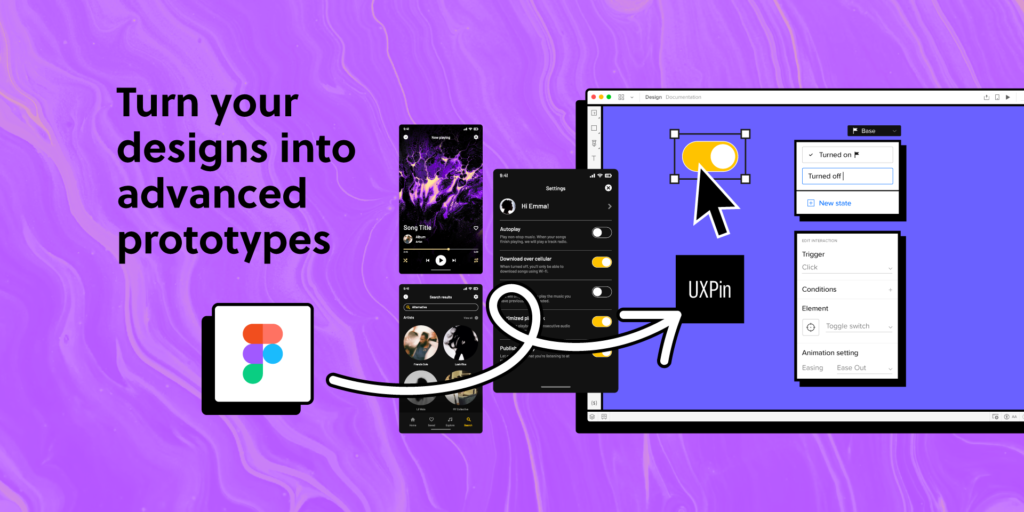
UXPin stands out because it treats design as a functional system, not just a visual layer. Its ability to combine design, interaction, and logic in one platform makes it a powerful tool for teams aiming to create user-centered, production-ready experiences.
UXPin is more than a design tool—it is a UX-driven product design platform that helps teams think, design, and test like real users. By focusing on behavior, usability, and scalability, UXPin empowers designers to build experiences that are not only beautiful but also meaningful and effective.
#UXPin #UXPinDesign #UXPinTool #UXDesign #UIDesign #UIUX #UXDesigner #ProductDesigner #UXPrototyping #InteractivePrototypes #DesignSystems #Carrerbook#Anslation#ComponentBasedDesign #UserExperience #DesignWorkflow #ProductDesign #DesignThinking #UXUI #DesignLife