
- Introduction
- 1. Affordable Hosting Plans for Beginners
- 2. One-Click WordPress Installation
- 3. Beginner-Friendly hPanel Instead of cPanel
- 4. Fast and Reliable Performance
- 5. Free Security Features
- 6. 24/7 Customer Support and Learning Resources
- 7. WordPress Tools for Easy Site Management
- 8. Freebies That Make Life Easier
- 9. Scalable Hosting Plans
- Hostinger Pricing
Hostinger is one of the most popular web hosting providers for beginners, especially those who want to start a WordPress website. Starting a website can be confusing — there are technical setups, costs, plugins, security issues, and speed considerations. Hostinger solves all these problems with affordable pricing, easy-to-use tools, beginner-friendly control panel, and fast performance. For someone new to website building, Hostinger provides everything needed to get online quickly without getting overwhelmed.
Introduction

Building your first website can be both exciting and intimidating. You want it to look professional, load fast, be secure, and most importantly, not break your budget. This is where Hostinger for WordPress shines. From super affordable plans to one-click installations and 24/7 support, Hostinger makes it simple for beginners to create and manage their websites with confidence. Let’s dive into the main reasons why beginners prefer Hostinger for their WordPress journey.
1. Affordable Hosting Plans for Beginners
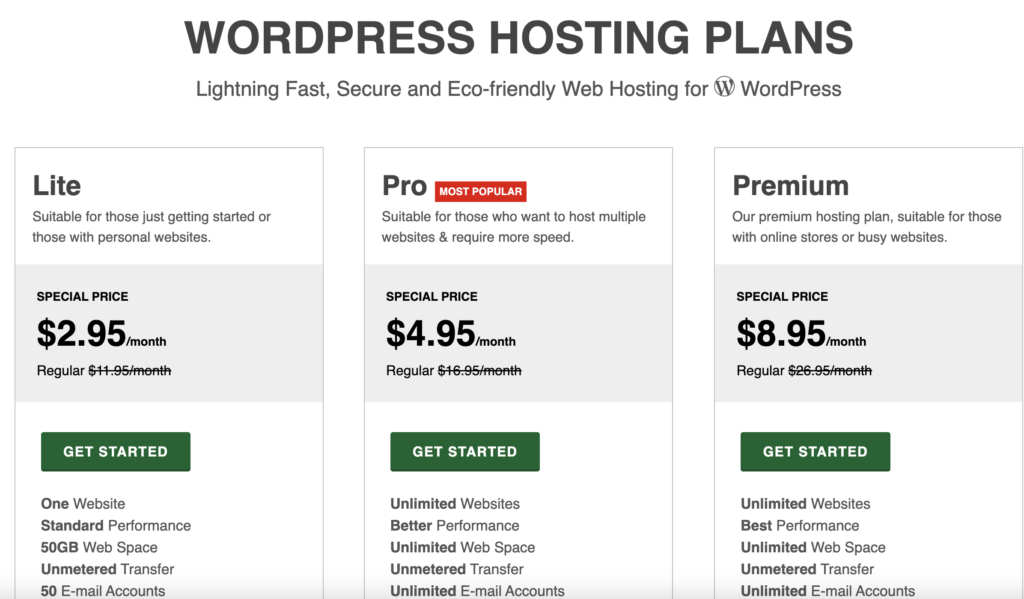
One of the biggest concerns for beginners is cost. Hostinger is widely loved because its plans are extremely budget-friendly. Starting plans are usually as low as $2–$3/month, which makes it accessible for students, freelancers, and hobby bloggers. Unlike many hosting providers, Hostinger also keeps renewal costs reasonable.
Key Benefits for Beginners:
- Low-cost entry → Start a website without financial pressure
- Value for money → Affordable pricing with premium features
- Saves on extras → Free SSL, free email (on selected plans), and domain (on premium plans)
This means beginners can focus on learning, creating content, and experimenting without worrying about expensive hosting fees.
2. One-Click WordPress Installation
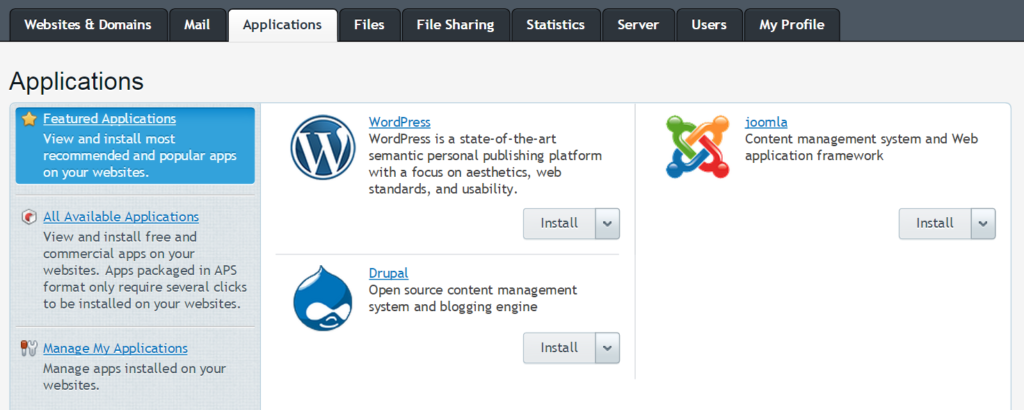
Installing WordPress manually can be intimidating if you are new. Hostinger eliminates this stress with one-click WordPress installation. Beginners can launch a website in minutes without technical knowledge.
Key Benefits:
- No coding required → Easy for absolute beginners
- Fast setup → Click → Install → Website ready
- Avoids common mistakes → Automatic database and plugin setup
This simple process ensures that beginners spend more time building their site rather than learning complex technical steps.
3. Beginner-Friendly hPanel Instead of cPanel
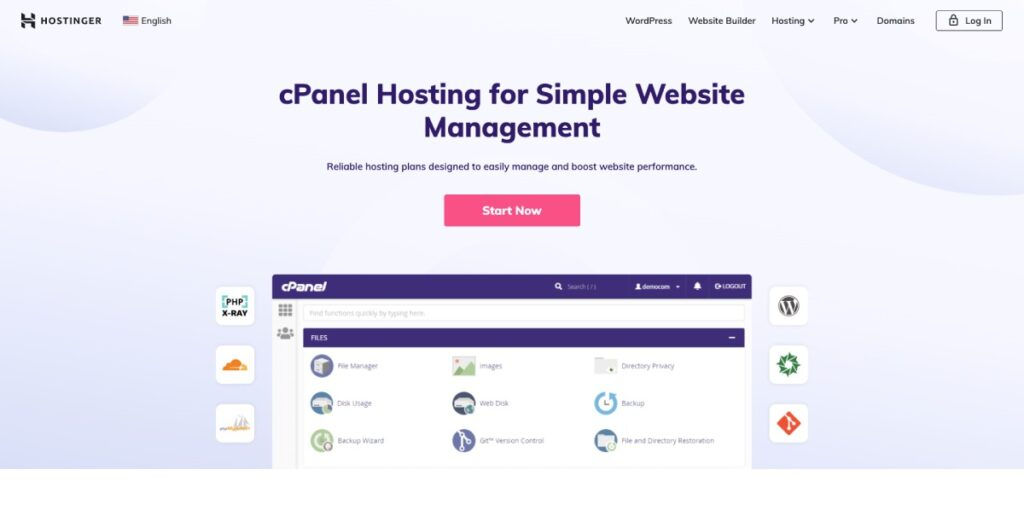
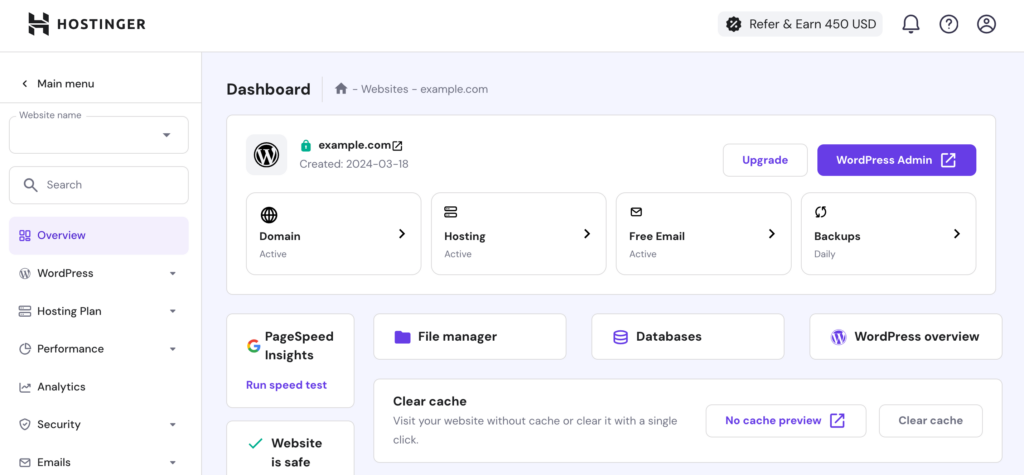
Many hosting providers use cPanel, which can overwhelm first-timers. Hostinger uses hPanel, a simple, clean, and intuitive dashboard. Beginners can manage domains, emails, SSL certificates, backups, and plugins all from one screen.
Key Features:
- Easy navigation → No technical confusion
- Integrated tools → Domain, DNS, and WordPress management in one place
- Learning made easy → Beginners understand hosting without tutorials
This creates a smoother learning curve and gives beginners confidence in managing their website independently.
4. Fast and Reliable Performance
Website speed is critical for user experience and SEO. Hostinger uses LiteSpeed servers and built-in caching, offering fast performance even on shared hosting plans. They also have global data centers to ensure visitors experience minimal loading time.
Why Beginners Benefit:
- Faster website → Better user experience
- SEO advantage → Google favors faster websites
- Less frustration → New users don’t need to optimize speed manually
Fast performance keeps beginners motivated to grow their website.
5. Free Security Features
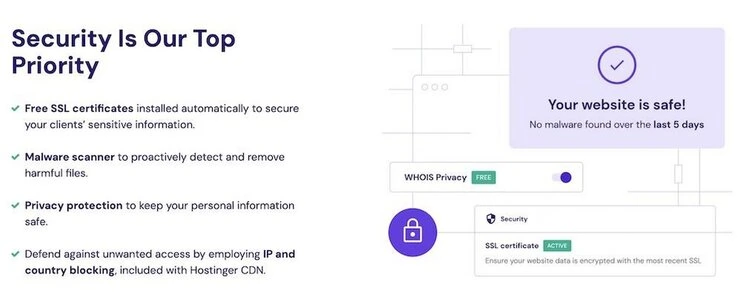
Security is often overlooked by beginners, but it’s essential. Hostinger includes free SSL certificates in all plans, encrypting visitor data and building trust.
Security Perks:
- SSL certificate → Automatic activation
- Protects visitor information
- Boosts credibility → Users feel safe on your site
Beginners don’t need to worry about complicated security setups — Hostinger handles it automatically.
6. 24/7 Customer Support and Learning Resources
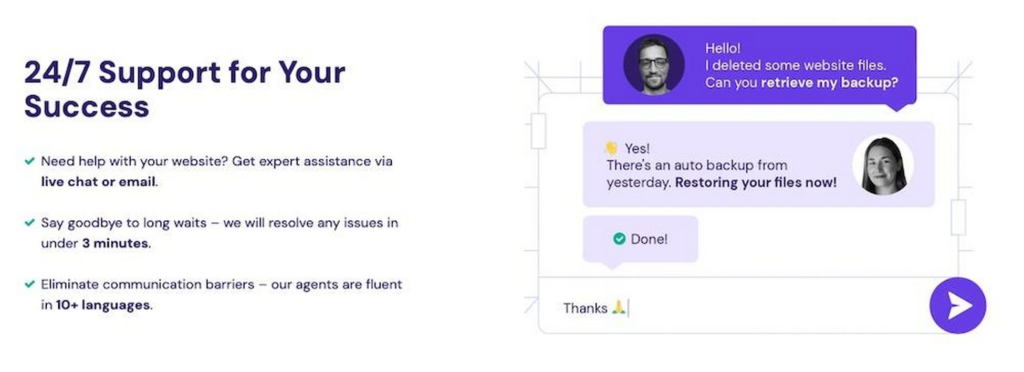
Beginners always face doubts — from connecting domains to fixing plugin errors. Hostinger’s support team is available 24/7 via live chat. Additionally, they provide tutorials, video guides, and the Hostinger Academy, which teaches WordPress and hosting fundamentals.
Benefits for Beginners:
- Quick help → Problems resolved instantly
- Step-by-step guidance → Easier to learn
- Confidence → Beginners can troubleshoot without stress
Support plus learning resources help beginners grow their skills while managing a live website.
7. WordPress Tools for Easy Site Management
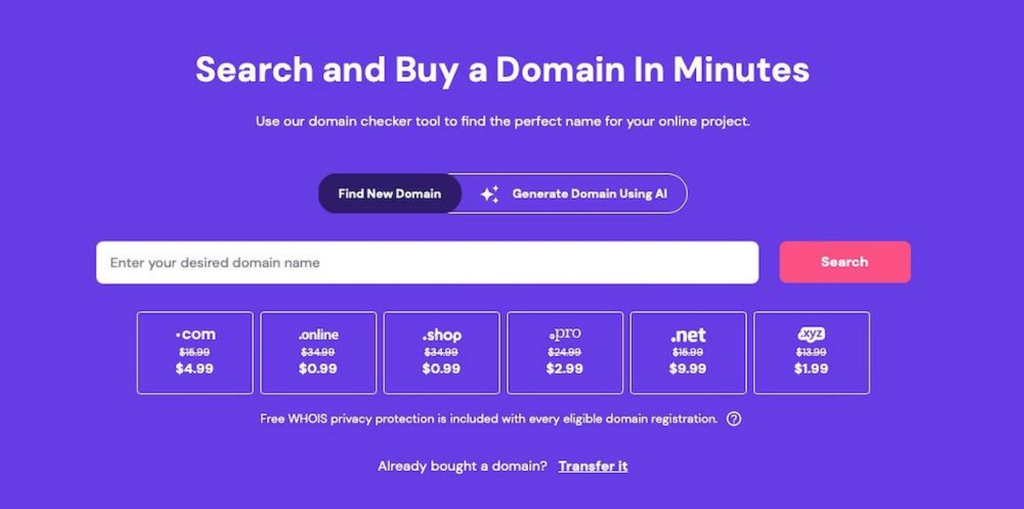
Hostinger offers features that make managing WordPress sites simple: automatic updates, pre-installed themes, plugin recommendations, caching tools, and staging environments on higher plans.
Advantages:
- Saves time → Automatic updates prevent errors
- Professional look → Pre-selected themes and tools
- Safe experimentation → Staging environment for testing changes
Beginners can focus on design and content without technical hassle.
8. Freebies That Make Life Easier
Hostinger provides several freebies that are helpful for beginners:
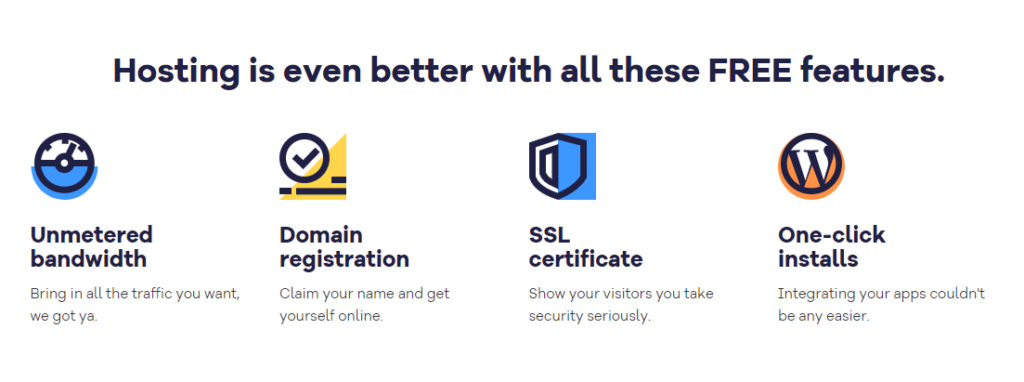
- Free domain (on premium plans)
- Free SSL
- Free professional email
- Free migration services
These extras save money and reduce setup hassle, allowing beginners to focus on building their website.
9. Scalable Hosting Plans
Hostinger grows with your website. Beginners can start with shared hosting and upgrade to cloud hosting or VPS as their site expands.
Key Takeaway:
- Flexibility → Upgrade anytime
- No need to migrate → Smooth growth path
- Long-term reliability → Stay with the same provider
This ensures beginners don’t outgrow their hosting as their website becomes more popular.
Hostinger Pricing
If you’re in a rush, here’s a quick look at the primary pricing plans offered by Hostinger.
| Plan Type | Plan Name | Starting Price | Key Features |
|---|---|---|---|
| Shared Hosting | Premium | $2.99/month | Supports up to 100 websites, 100GB SSD storage, unlimited bandwidth, free domain for one year |
| Business | $3.99/month | 200GB NVMe storage, supports ~100,000 visitors, daily backups, free CDN | |
| VPS Hosting | KVM 1 | $4.99/month | 1 vCPU core, 4GB RAM, 50GB NVMe disk space, 4TB bandwidth |
| KVM 2 | $6.99/month | 2 vCPU cores, 8GB RAM, 100GB NVMe disk space, 8TB bandwidth | |
| KVM 4 | $10.49/month | 4 vCPU cores, 16GB RAM, 200GB NVMe disk space, 16TB bandwidth | |
| KVM 8 | $19.99/month | 8 vCPU cores, 32GB RAM, 400GB NVMe disk space, 32TB bandwidth | |
| Cloud Hosting | Cloud Startup | $9.99/month | 200GB SSD storage, 3GB RAM, 2 CPU cores, free SSL, 24/7 support |
| Cloud Professional | $14.99/month | 250GB NVMe storage, 6GB RAM, 4 CPU cores | |
| Cloud Enterprise | $29.99/month | 300GB NVMe storage, 12GB RAM, 6 CPU cores | |
| Email Hosting | Business Starter | $1.59/month | 10GB email storage, 10 forwarding rules, antivirus, advanced anti-spam |
| Business Premium | $3.99/month | 50GB email storage, 50 forwarding rules, antivirus, advanced anti-spam |
Hostinger offers a variety of hosting plans. They cater to different needs, ranging from basic shared hosting for beginners to more advanced options like VPS and cloud hosting for growing businesses.
“Hostinger is the best for WordPress beginners because it is fast, affordable, easy to use, and comes with fully beginner-friendly features.”
Conclusion
Hostinger for WordPress is ideal for beginners because it combines affordability, ease of use, speed, security, and support. From the first click to website launch and beyond, it helps beginners learn, build, and grow online confidently. If you’re starting your first WordPress website, Hostinger is one of the easiest and most reliable hosting options to choose.
#Hostinger #WordPressHosting #BeginnerFriendly #WebsiteHosting #FastHosting #AffordableHosting #WebHostingTips #WordPressBeginners#Carrerbook#Anslation #WebsiteSetup #HostingForBeginners #EasyWebsiteBuild #HostingerReview #StartYourWebsite